 resumeglobal
Resume Builder for BTech Students
Build a placement-ready engineering resume with strong projects, ATS-friendly templates, and clear skill categories. ResumeGlobal is a resume builder for BTech students designed for real recruiter screening.
Who this is for
If you’re a BTech student preparing for campus placements, internships, or off-campus roles, your resume needs to prove skills fast. Recruiters want to see projects, stack, and outcomes — not filler.
ResumeGlobal helps you build a clean engineering resume that stays ATS-friendly. That means your content is readable, keyword-aligned, and easy to scan across placement portals and recruiter systems.
How to build a BTech resume (step-by-step)
Choose a placement-ready template
Pick a template that keeps your engineering resume clean and ATS-friendly. A good layout makes your skills and projects easy to find in the first 10 seconds. For placements, single-column templates are a safe default and help avoid parsing issues on job portals.
Build a projects section that proves your skills
Projects should show your capability. For each project: mention the tech stack, the problem you solved, your contribution, and the outcome. Add GitHub links, live demos, or screenshots when possible. Replace vague claims with specific features and measurable impact.
Group skills in categories recruiters scan
Don’t dump skills in one long list. Group by category: Languages, Frameworks, Tools, Databases, and Platforms. This helps ATS match keywords and helps recruiters quickly validate fit for the role (e.g., React + Node, Java + Spring, Python + ML).
Add internships, achievements, and certifications
If you have internships, write bullets that show what you delivered and what technologies you used. Add achievements (hackathons, competitions, awards) and certifications that match the role. These sections build credibility and make your resume stand out.
Run ATS check and download
Use the ATS checker to spot missing keywords and weak bullets. Then download your resume as PDF for most applications. This workflow helps you create a strong resume builder for BTech students output that’s readable, keyword-aligned, and consistent.
Templates for BTech students
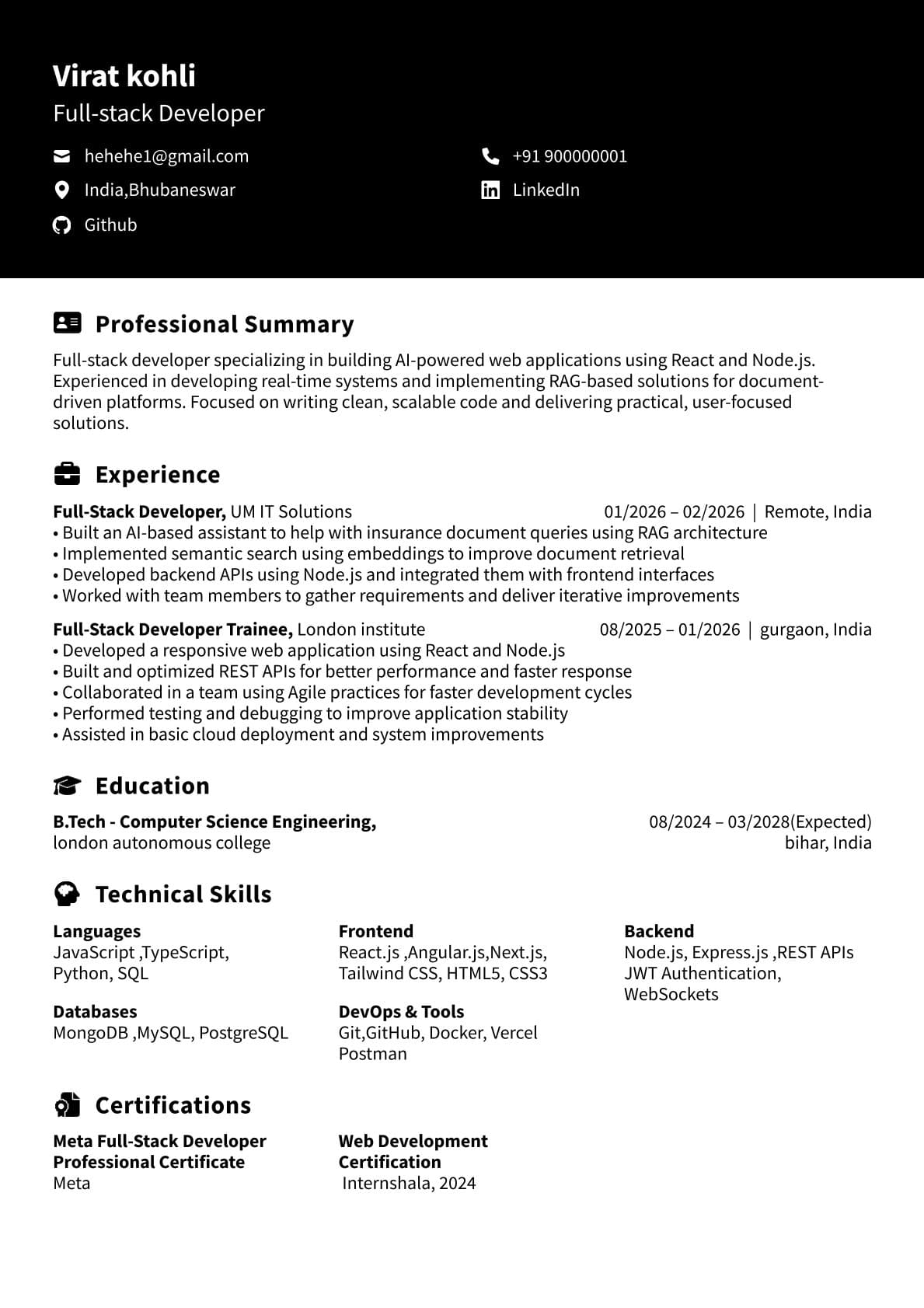
Dark Header — Executive
Great for placements and off-campus roles where a clean, professional look matters.
Use This Template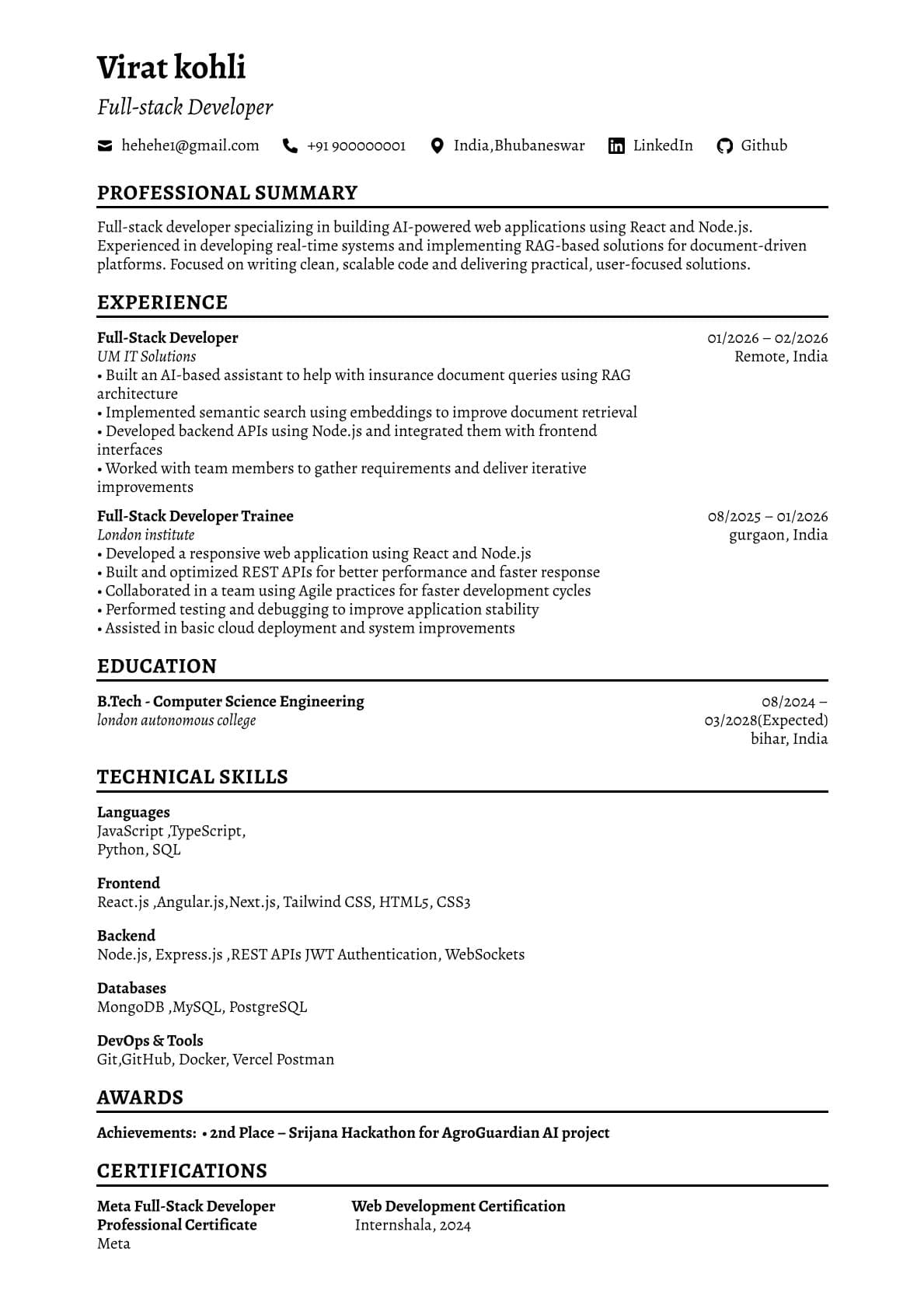
ATS Friendly Resume
Simple structure for ATS parsing — ideal for engineering roles and campus portals.
Use This Template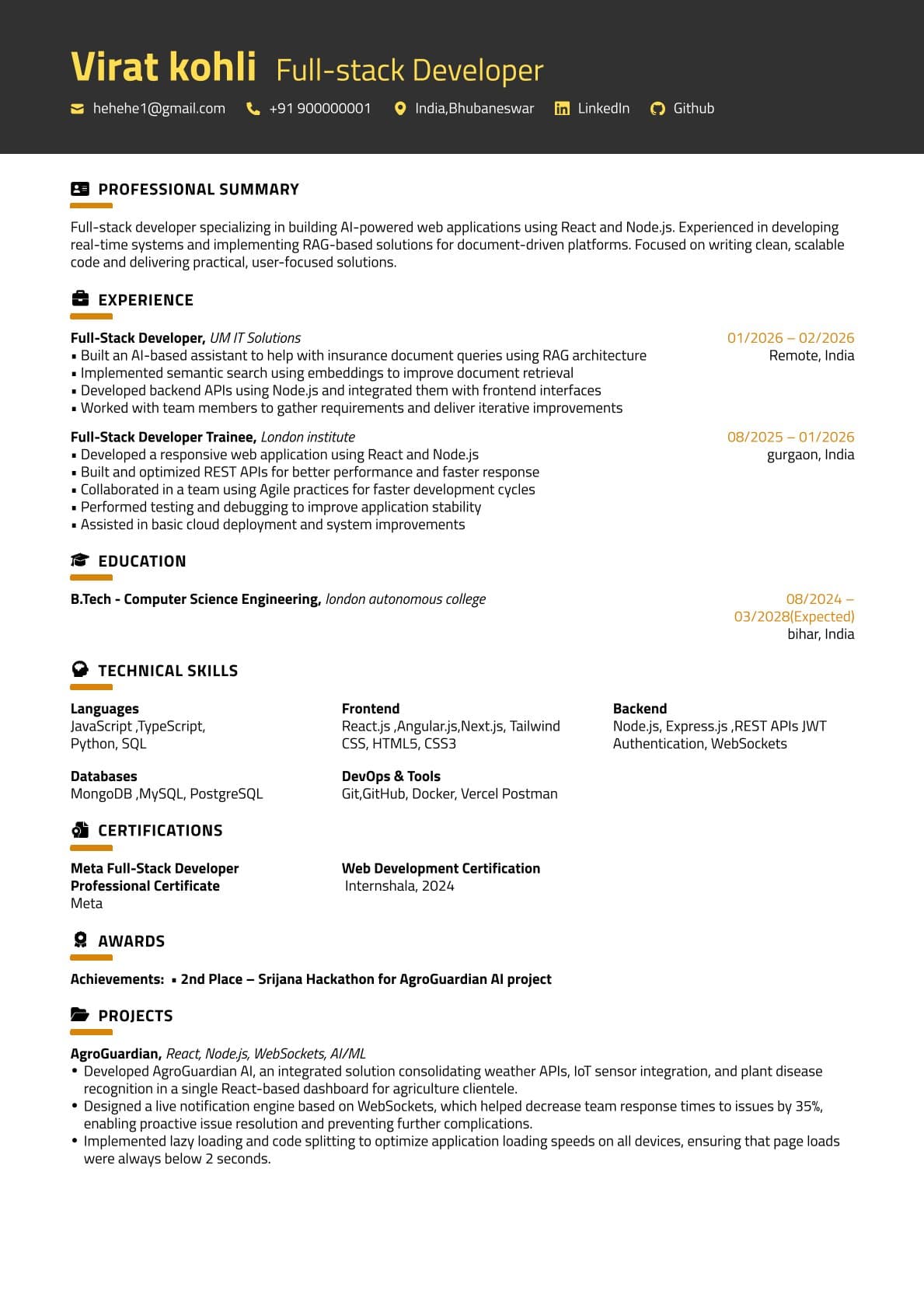
Gold Banner — Single Column
One-page friendly and easy to scan. Works well for project-heavy BTech resumes.
Use This TemplateBTech resume checklist
- 2–4 strong projects with outcomes and links
- Skills grouped by category (Languages, Tools, Frameworks)
- Internships / training with clear deliverables
- Achievements, hackathons, certifications
Check ATS score before placements
Upload your resume to get a score, missing keywords, and improvement suggestions.
Use ATS CheckerWhy choose ResumeGlobal over other engineering resume builders
| Feature | ResumeGlobal | Typical Builder |
|---|---|---|
| Project-first templates | Built for placements | Generic templates |
| ATS validation | ATS checker included | Often missing |
| Workflow | Build → Check → Fix → Download | Build → Download |
FAQs
What are the best sections for a BTech resume?
Projects, internships, skills (languages/tools), education, and achievements. Add GitHub/portfolio links if possible.
Should I add my tech stack under projects?
Yes — list languages/frameworks/tools used. It helps recruiters and ATS match you with role keywords.
How many projects should I include?
2–4 strong projects are better than 8 weak ones. Focus on impact, metrics, and what you built.
Does ResumeGlobal support an ATS check?
Yes — upload your resume to the ATS Checker for score + keyword suggestions.
Should a BTech resume be one page?
For most students and freshers, yes. Keep it one page unless you have substantial internships/research/publications.
Where should I place certifications and hackathons?
Add a dedicated Achievements/Certifications section near the bottom. If a certification is critical for the role, mention it near Skills too.
Do I need to add my 10th/12th details?
Usually not necessary unless the job/placement explicitly asks. Focus more on projects, internships, and relevant skills.
How do I tailor my engineering resume for each job?
Match skills and keywords from the job description, tweak your top project bullets, and re-run the ATS checker before downloading.
Build your placement-ready resume
Choose a template, add strong projects and skills, validate ATS score, and download.